Tools & Resources
Access the dashboard and app links for family safety setup, business device management, and authorized mobile security support.
Practical Tools for Safer Devices
Configure parental controls, device policies, alerts, backup, and anti-theft protection from a simpler workflow.
Access Your Tools
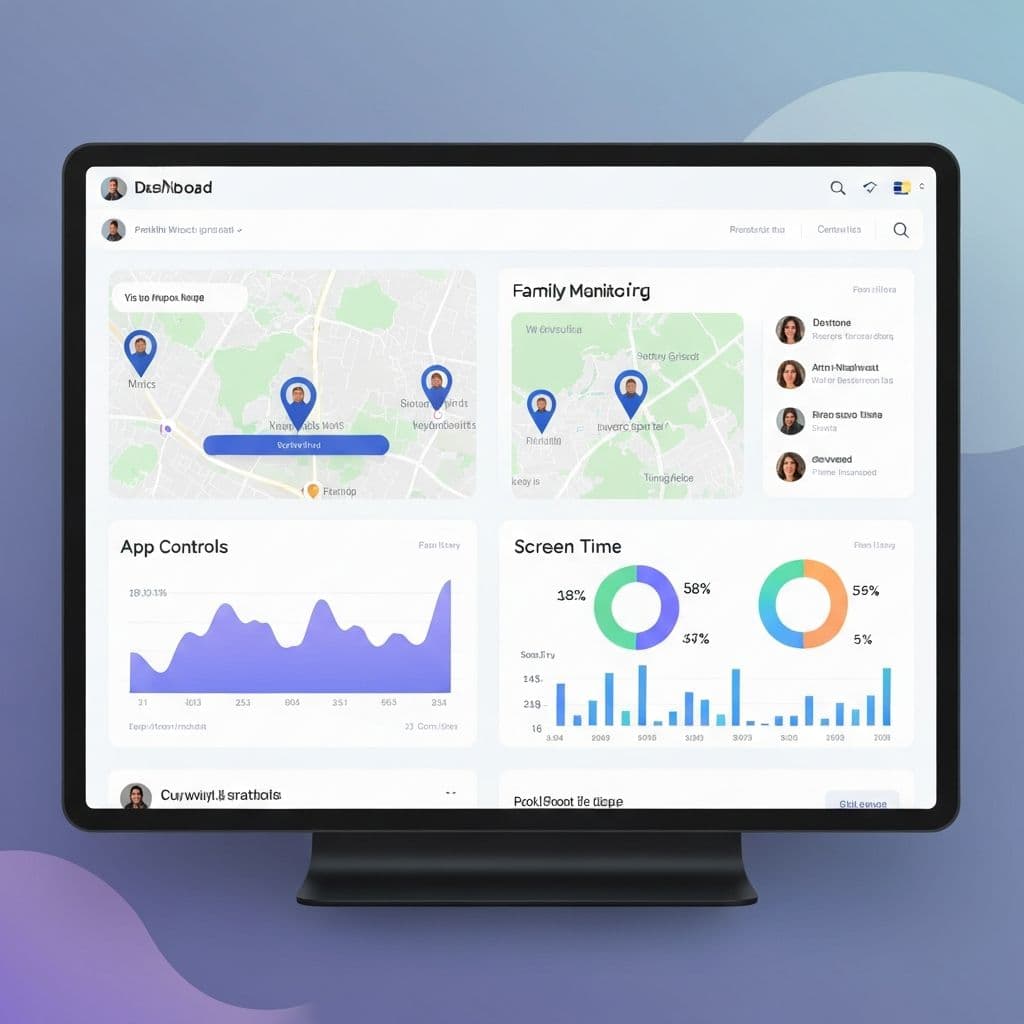
Family & Business Dashboard
Access the dashboard to review authorized devices, family safety settings, activity summaries, and company-owned phone policies.
Authorized activity summaries
Consent-based location sharing
App & screen time management
Safety alerts & device status
Mobile App
Download the Mulikamtoto app for authorized family protection, anti-theft configuration, and mobile security setup.
Available on iOS & Android
Quick 5-minute setup
Lightweight & battery efficient
Consent-based setup
Getting Started Guide
Create Your Account
Start from the dashboard and choose family protection, business device management, or a security setup.
Download the Mobile App
Download the Mulikamtoto app on the device you own, manage, or have permission to configure.
Confirm Authorization
Make sure the setup is lawful, authorized, and appropriate for the user and device.
Configure Settings
Set up screen time, app controls, safe zones, alerts, backup, and anti-theft preferences.
Review and Improve
Use reports and support guidance to maintain safer device habits over time.
Device Setup Requirements
iOS Requirements
- •iOS 12.0 or later
- •Compatible with iPhone and iPad
- •50MB free storage space
- •Active internet connection
- •Location services enabled
Android Requirements
- •Android 6.0 or later
- •1GB RAM minimum (2GB recommended)
- •75MB free storage space
- •Active internet connection
- •Location services enabled
Ready to Get Started?
Access the dashboard or app while keeping every setup lawful, authorized, and consent-based.